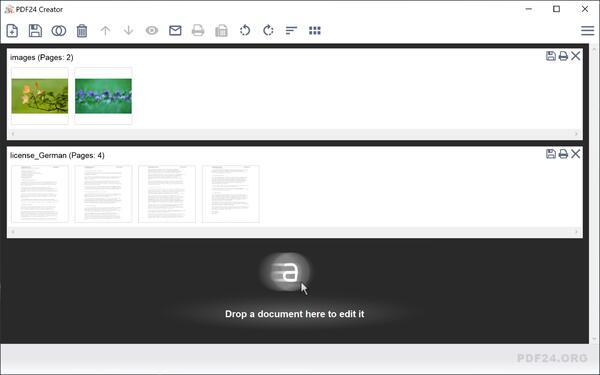
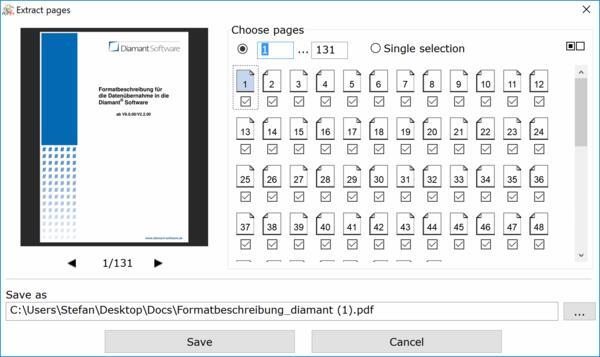
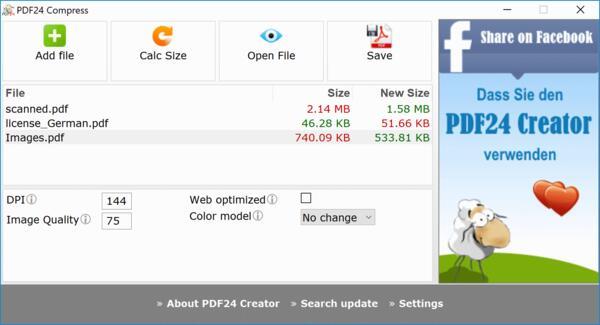
Huge amount of format options and file types for experts
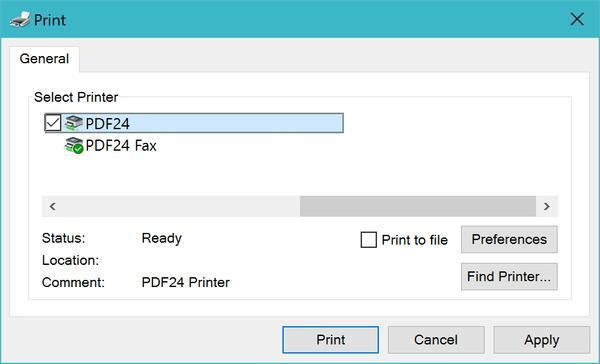
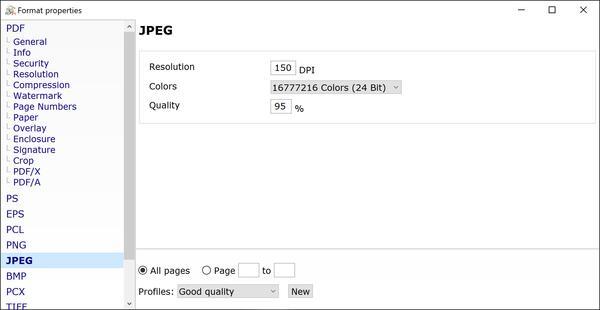
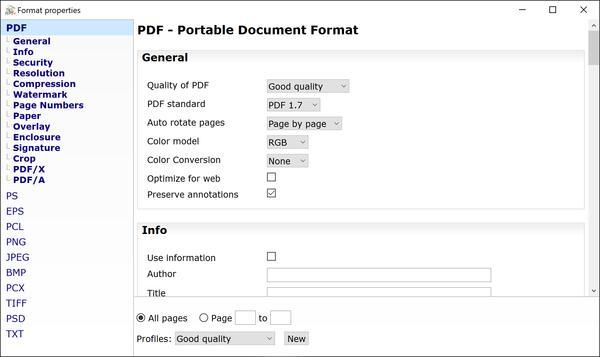
Different output formats like PDF, PDF/A, PDF/X, images (JPG, PNG, ...) and more.
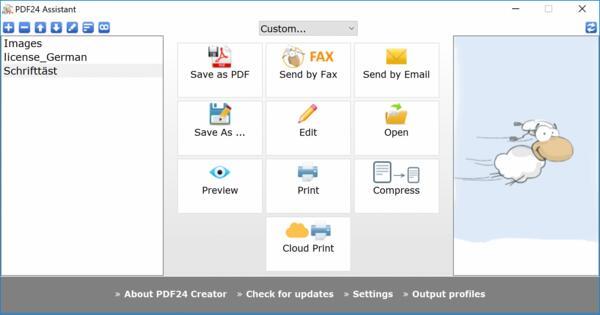
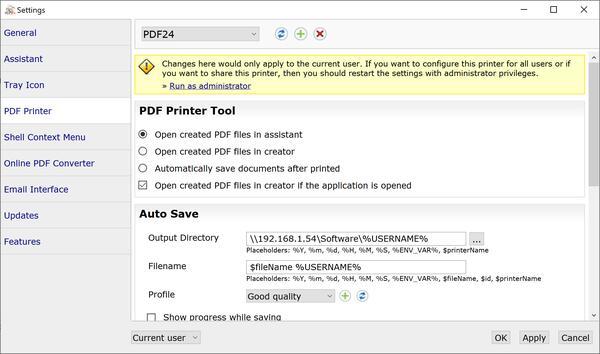
Customizable options to control the 'Save as' function.
Settings can be saved permanently for later use without having to change them every time.
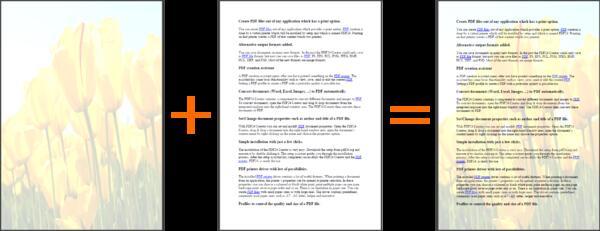
Options for PDF meta data, password security, compression and resolution, water mark and page numbers, underlay and overlay, enclosures, signature, ... are available.
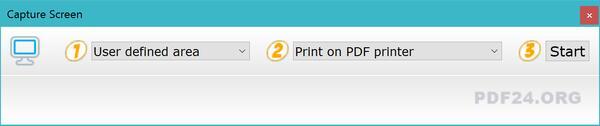
PDF Screen Capture
Create PDF and image files of the screen content.
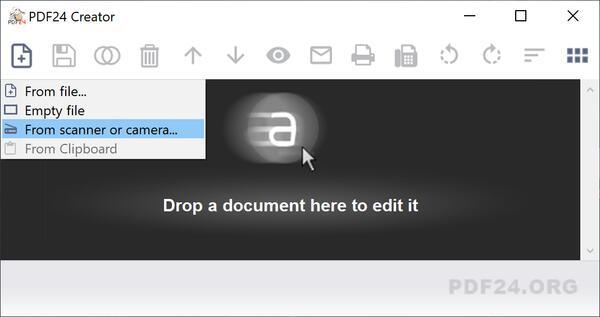
Scanner and Camera import
Import images from scanner or camera and create a PDF of it.
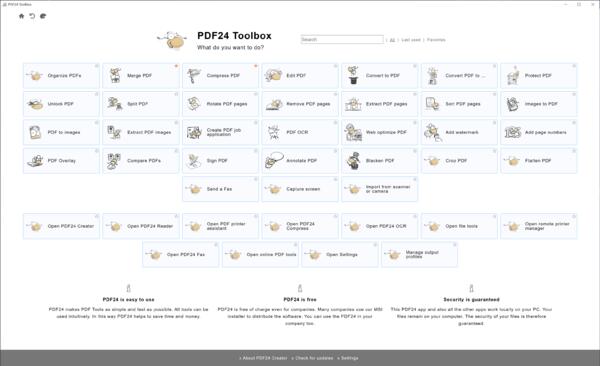
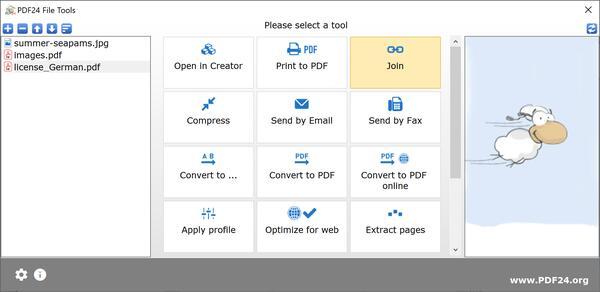
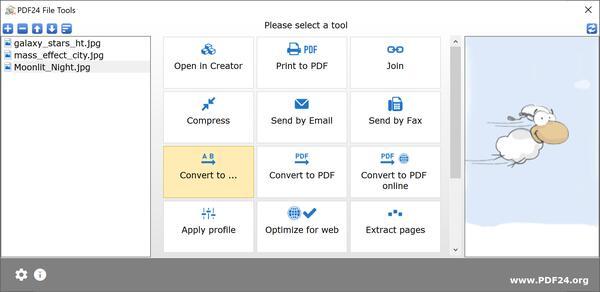
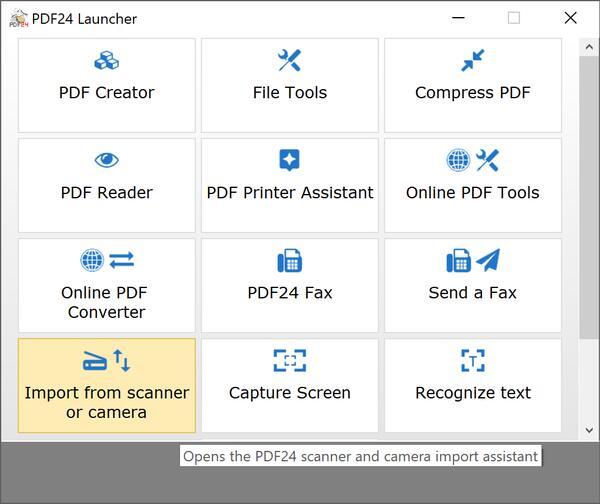
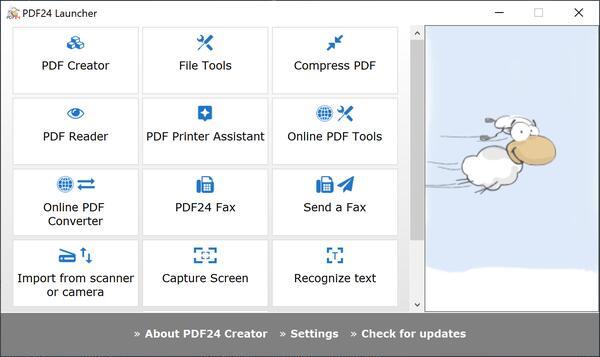
Tool Launcher
The tool launcher makes it very easy to open one of the available sub-applications.
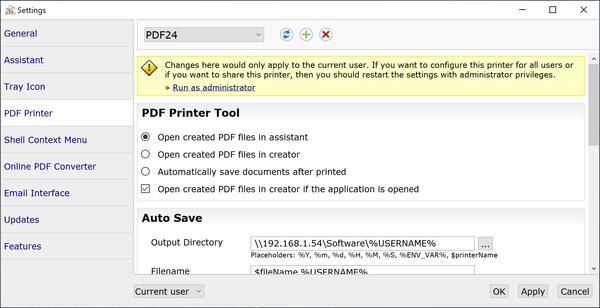
Settings
Easy to use settings section to change default options
Questions and Answers
Is the PDF24 Creator free of charge?
PDF24 Creator can be used completely free of charge and without any restrictions. Companies, authorities and agencies can also use PDF24 Creator free of charge. The free usability and the great variety of functions make the PDF24 Creator a very popular software, which is constantly being improved.
Can I use the PDF24 Creator on Linux or MAC?
No, the PDF24 Creator can only be installed on Windows systems. Linux and MAC are not currently supported.
Does the PDF24 Creator work online or offline?
The PDF24 Creator is a desktop solution that works offline. Files remain locally on your PC and are NOT uploaded to the Internet. The topic of data protection or GDPR is therefore not a problem.
Can the PDF24 Creator be installed under Citrix?
Yes, the PDF24 Creator can be used with Citrix. Many companies do this and are happy. You can also use the PDF24 Creator in your company for free.